




You know how it is. You wake up, maybe hit snooze once (or three times), grab your coffee, sit at your computer, and open the same few tabs you open every single morning. It’s almost like muscle memory at this point. We all have those digital “go-to” places that help us get through the workday or just life in general. I was thinking about this the other day while staring at my own browser bar. What are the actual tools that people around the world are using right now? Not the fancy, expensive enterprise software that big companies force you to use, but the stuff we actually like. The stuff that, if it went down for an hour, we’d probably panic a little bit.
It’s funny because even though we are all doing different jobs, the toolkit we use is pretty similar. Whether you are a student in London stressing about an essay, a freelancer in New York juggling three clients, or running a small shop in Tokyo, you probably rely on a specific set of digital helpers. I wanted to break down the big ones. The top 10 online tools that are basically keeping the internet (and our sanity) running. But I don’t want to just list them; I want to talk about how we use them and why they stuck around when so many others failed.
And look, while we are talking about these big global names, I’ll also mention some of the handy little utilities we have right here at WP Toolkit Hub. Because let’s be honest, sometimes you don’t need a massive software suite just to do a simple task. Sometimes you just need a quick fix. Like if you just need to check how strong your password is before signing up for yet another account, you can use our Password Generator & Strength Checker without making a big deal out of it. It’s about using the right tool for the job.
So, I sat down and looked at what everyone is actually using. Not just what people say they use to look smart on LinkedIn, but the tabs that stay open all day. Here is the real list of tools that help us survive the digital world, detailed and honest.
1. Google Search
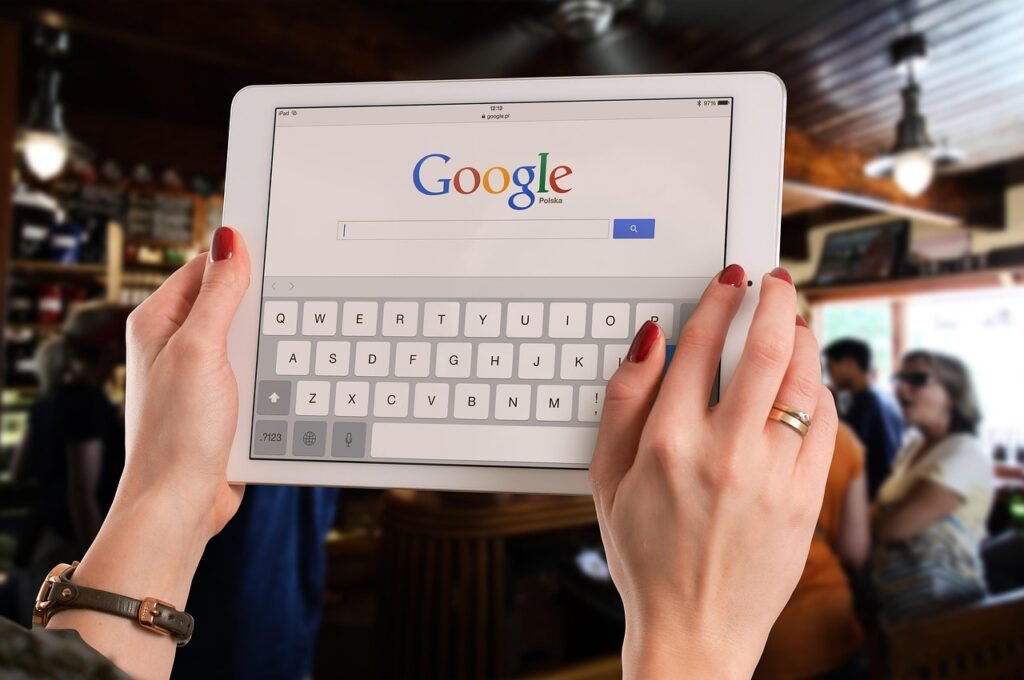
Okay, this one is obvious. But we have to start here because it is literally the front door to the internet for most of us. We don’t just “go online” anymore; we “Google it.” It became a verb. It is the tool that answers our stupid questions at 2 AM, helps us win arguments with friends about who starred in that one movie from the 90s, and tells us why our cat is looking at us weirdly. But beyond the basics, Google Search has evolved into something way bigger for people who work online.
For professionals, it is a research engine. You aren’t just looking for “pizza near me.” You are looking for trends, for data, for what your competitors are doing. If you write content or run a website, you are constantly checking to see where you show up in the results. It is a constant battle to be seen. You type in a phrase, see who is on top, and try to figure out how they got there. Speaking of being seen, if you are writing text and want to make sure you aren’t repeating the same word a thousand times (which Google hates, by the way), checking your keyword usage is smart. We actually have a Keyword Density Checker that helps with exactly that. It is super simple and saves you from looking repetitive or “spammy.”
The thing about Google is that it has changed how we think. We don’t memorize stuff as much because we know the answer is just a few clicks away. Is that good? Maybe. But it definitely makes working faster. Plus, with all the new “featured snippets” and quick answers, half the time you don’t even have to click a website. You just see the answer and move on. It is efficiency at its peak, even if it makes us a little lazy.
2. Gmail
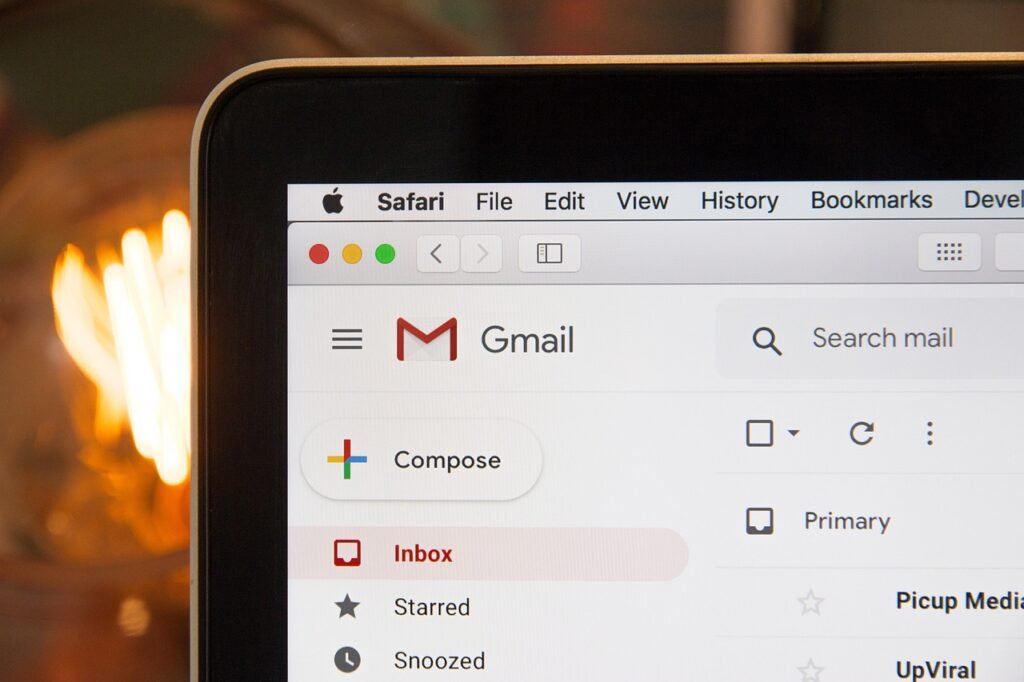
Email might feel old school, almost like sending a digital letter, but it is not going anywhere. Gmail is basically your digital passport. You need it to sign up for everything else on this list. It is where your receipts go, where your boss sends you updates, and where you forget to unsubscribe from newsletters you signed up for three years ago. It’s the central hub of your online identity.
For businesses, email is still the main way to talk. It is professional, it keeps a record of everything, and it works. But managing it is a whole other story. We use labels, filters, and multiple inboxes just to keep our heads above water. And if you run a WordPress site, getting emails to actually land in the inbox (and not the spam folder) can be tricky. That is why people use specific plugins to handle delivery. If you are struggling with that, check out our Email & Forms category in plugins. Getting your contact forms working right is huge because if people can’t reach you, you are basically talking to yourself.
I feel like we all have a love-hate relationship with our inbox. We love staying connected, but seeing that unread number go up gives me a little bit of anxiety. Still, we check it ten times a day. Maybe more. It’s the first thing we check in the morning and the last thing we check at night. It’s sticky. Google also integrated Chat and Meet right into Gmail, so now it’s trying to be your entire office. Whether you like that or not is up for debate, but you can’t deny it’s convenient.

3. WhatsApp & Telegram
If Gmail is for “official business” and serious letters, WhatsApp is for everything else. It is how we talk to family, plan parties, and increasingly, how we do business quickly. In many parts of the world, like Europe, South America, and Asia, if a business doesn’t have a WhatsApp number, it feels weird. It is fast, personal, and it just works on every phone. You don’t have to worry if the other person has an iPhone or Android; it just sends.
Then there is Telegram. It is right up there too, especially for larger groups and sending big files. I know a lot of people who use it just for the stickers, which is fair because they are hilarious. But the ability to send massive files without quality loss is a game changer for creative people. If I need to send a video file to a client and email is saying “file too large,” Telegram saves the day. You don’t have to worry about email limits or uploading to a drive first. You just drag and drop.
It is interesting how text messaging killed the phone call. Now, if someone calls me without texting first, I assume it is an emergency or a wrong number. These apps have totally changed our social rules. We expect instant replies, but we also like the freedom of replying when we want (thanks to turning off “read receipts”). It’s a delicate balance of being available but protecting your peace.
4. Canva
I remember the dark ages of design. You had to take a three-month course just to learn how to put text over an image without it looking terrible. You needed expensive software that crashed your computer. Then Canva showed up and said, “Here, just drag this box.” It made everyone feel like a designer. It democratized creativity in a way we hadn’t seen before.
People use it for everything now. Resumes, Instagram stories, presentations, birthday cards, even restaurant menus. It is one of those tools that actually made life easier. It comes with thousands of templates so you never have to start from a blank white screen, which is the scariest thing for a non-designer. But here is a tip: sometimes Canva exports files that are way too big for websites. They look great in print, but on the web, they are heavy. If you are uploading those images to your site, they will slow it down. You should definitely run them through an Image Compressor first. It keeps the quality but drops the file size so your site doesn’t load at a snail’s pace.
Also, if you ever get a weird image format that your computer refuses to open, or if a client sends you something in a format your site doesn’t support, you can just use an Image Converter to switch it to a standard JPG or PNG. It saves a lot of headaches and keeps your workflow moving. Canva is great, but managing the files it creates is just as important.
5. Google Drive (Docs, Sheets, Slides)
The days of saving a file as “Final_Version_v3_REAL_FINAL.doc” and emailing it to yourself are over. Thank goodness. I remember losing flash drives or having a hard drive crash and losing weeks of work. Google Drive changed the game because we can all work on the same thing at the same time. I can see you typing, you can see me fixing your typos. It is great, although a little creepy at first.
Google Docs is basically the standard for writing now. It is clean, simple, and saves every few seconds automatically. But sometimes, you need to do specific things with that text that Docs doesn’t make easy. Maybe you wrote a whole paragraph in caps lock by accident because you were looking at the keyboard (we have all been there). Instead of retyping it, you can use a Case Converter to switch it to normal text instantly. It’s a tiny tool, but it saves you five minutes of frustration.
And for the students or writers out there who have a strict limit on how much they can write, keeping an eye on your length is key. A simple Word Counter is a lifesaver when you are trying to hit that exact requirement without going over. It is a small tool, but you miss it when you don’t have it. Google Sheets is another beast entirely. It runs businesses. From inventory to payroll, people have built entire empires on a few spreadsheets. It’s powerful, scary, and absolutely essential.
6. ChatGPT
We can’t make this list without talking about the new kid on the block. In the last year or so, AI chat tools have become something people use daily. It went from “check out this cool trick” to “I need this to do my job” really fast. Whether it is asking for a recipe, getting help with code, drafting an email when you are too tired to think, or just brainstorming ideas for a blog post, it is super helpful.
It is not about letting the computer do the work for you; it is about getting a head start. It gets rid of that “blank page” fear. You put in a rough idea, and it gives you a structure. However, sometimes the text it gives you can look a bit… messy. Or it has weird formatting like bold text where it shouldn’t be, or weird background colors. If you paste it directly into your website, it might bring a bunch of junk code with it. Running it through a Text Cleaner & Remover is a good habit. It strips out the weird formatting so your content looks clean and professional.
Just remember, it is a tool, not a replacement for your own brain. You still need to check facts because it can confidently tell you things that are totally wrong. Trust, but verify. It’s great for generating ideas, but you need to add your own human touch to make it worth reading.
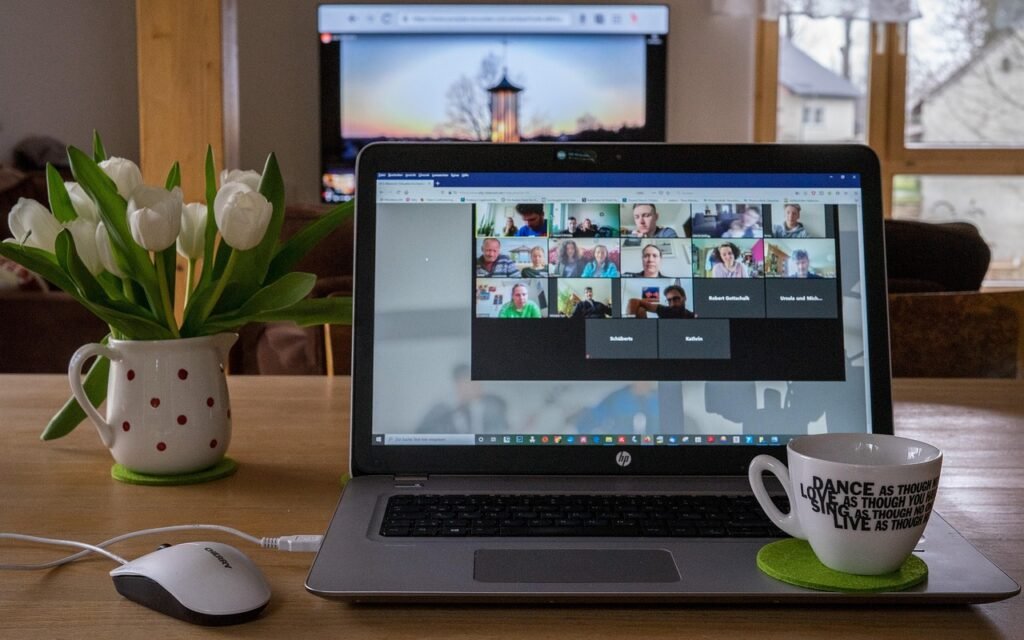
7. Zoom
Before 2020, I think I used Zoom maybe twice. It was for “serious corporate meetings” only. Now, “Zoom fatigue” is a real medical condition. Okay, maybe not medical, but it feels real. It became the default way we meet. It saved businesses when we couldn’t go to the office, and it let us see family when we couldn’t travel. It became a verb just like Google.
It is a solid tool. It usually works well, even if your internet is a bit shaky. The mute button is probably the most important feature ever invented. We have all had that moment where we started talking while muted, or worse, said something embarrassing while not muted. The virtual backgrounds are also a lifesaver when your room is a mess and you have a meeting in two minutes.
If you run a site that offers courses or learning materials, you probably link out to Zoom calls a lot. You might want to check out our LMS (Learning Management System) themes and plugins. They help you integrate video lessons smoothly so your students aren’t just clicking random links in an email. It makes the whole experience feel more professional and organized.
8. Trello or Asana
Our brains aren’t built to remember 500 tasks at once. We think we can multi-task, but we really can’t. That is why project management tools are so popular. Trello uses those little cards that you move from “To Do” to “Done,” which gives you a nice little hit of dopamine every time you finish something. It visualizes your work.
It helps teams stay on the same page. You don’t have to ask, “Did you finish that report?” You just look at the board. It stops those annoying “checking in” emails that waste everyone’s time. Asana is a bit more list-based, great for people who love checking off boxes. Both tools help organize the chaos of modern work.
If you are managing a web project, keeping track of bugs and updates is vital. You can’t just fix things “when you remember.” Speaking of updates, keeping your site secure is another task you can’t ignore. Our Security & Backup plugins are essential for making sure all your hard work doesn’t vanish overnight because of a hacker or a server crash. You put the task in Trello: “Backup Site,” but having a plugin that does it automatically is even better.

9. WordPress
Okay, this is a big one for us. WordPress powers a huge chunk of the internet, something like 40% of all websites. It is not just a tool; it is the foundation for millions of businesses. People use it because it is flexible. You can build a blog, a shop, a portfolio, a news site, anything. It’s open source, which means nobody owns it, and you are free to do what you want.
The best part about WordPress is the community and the tools you can add to it. You don’t need to be a coder to build something amazing. You just need the right pieces. It’s like a giant Lego set for the web.
- Need to sell stuff? Grab some eCommerce Add ons. Suddenly you are Amazon.
- Want your site to load faster? Look at Speed Optimization plugins. Because nobody likes a slow site.
- Building a company site? Check out our Business / Corporate themes. They look professional right out of the box.
It creates opportunities. You can start a business from your bedroom with a domain name and a WordPress install. If you are building a page and want to be creative without coding, a good Page Builder is your best friend. It lets you drag and drop elements until it looks perfect. It gives you the power of a developer without needing to learn code.
10. Online Banking & Finance Apps
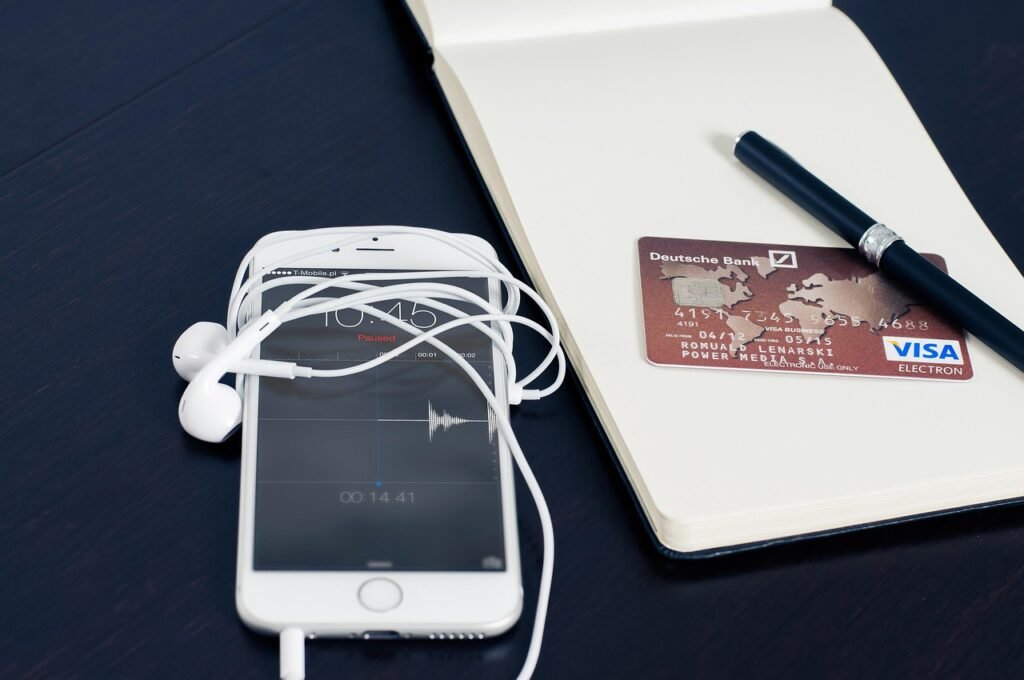
Money makes the world go round, and these days, it moves digitally. I rarely carry cash anymore. Whether it is PayPal, Stripe, Wise, or just your local bank’s app, we are checking our balances daily. We pay bills, send money to friends for dinner, and track our spending so we don’t go broke.
For freelancers and small business owners, this is even more critical. sending invoices and calculating taxes is a daily chore. It’s the boring part of the job, but it’s the most important. If you are tired of doing math on a napkin or using the calculator on your phone that disappears when you switch apps, our Financial Calculator is a great little tool to bookmark. It helps you figure out margins and costs quickly.
And if you need to send a quick bill to a client, using a simple Invoice Generator makes you look way more professional than just sending an email saying “please pay me.” It creates a proper document that they can process. It’s little touches like that which make a freelancer look like a serious business.
Comparison: Free vs. Paid
Most of these tools operate on a “freemium” model. You get the basics for free, but they want you to pay for the cool stuff. It’s a classic trap, but sometimes it’s worth it. Is it worth it for you? Let’s look at a quick comparison of what you actually get.
| Tool | What you get for Free | Why you might pay (The Good Stuff) |
|---|---|---|
| Canva | Thousands of templates, basic photos, standard editing. It’s enough for most casual users. | Transparent backgrounds (huge feature for logos), resizing designs instantly for different social platforms, better stock photos, and brand kits. |
| Zoom | 40-minute limit on group calls. The dreaded “cutoff” time. | No time limits, cloud recording (great for sharing later), co-hosts to help manage the room. |
| ChatGPT | Standard speed, basic model access. Good for text. | Faster responses, access to the smartest models (like GPT-4), image generation (DALL-E), and analyzing files. |
| Spotify | Music with ads, shuffle only on mobile. It tests your patience. | No ads, offline listening (essential for travel), play any song you want in any order. |
| Trello | 10 boards per workspace. Good for personal use. | Unlimited boards, advanced checklists, automation (Butler) that moves cards for you. |
For a lot of people, the free versions are totally fine. But if you are using these for work, spending a few dollars often saves you hours of frustration. Think of it as investing in your own sanity.
Why Simple Utilities Matter
While the giants like Google, Zoom, and Microsoft get all the attention, there is something to be said for the small, single-purpose tools. You know, the ones that do one thing and do it well. They don’t have marketing budgets, but they save the day when the big tools fail.
For example, have you ever needed to send a secure file and realized you don’t want to email a PDF because it contains sensitive info? Or maybe you need to embed an image directly into code to speed up a website. That is where a niche tool like an Image to Base64 Converter comes in handy. It turns a picture into a string of text code. It is not something you use every day, but when you need it, you really need it.
Or think about QR codes. They made a huge comeback. A few years ago, we thought they were dead. Now, restaurants use them for menus, shops use them for payments, and events use them for tickets. If you need one for your business card or a flyer, a QR Code Generator is the quickest way to get it done. No need to download heavy software or sign up for a subscription. You just type your link, get the code, and print it.
Another classic issue is dealing with PDF files. They are great for printing but terrible for everything else. They are often too big to email. If you have a massive report that needs to be under 5MB to upload to a portal, a PDF Optimizer is your best friend. It squeezes the file size down without making the text unreadable.
The Future of Our Toolkit
It’s wild to think about how much this list changes every few years. Ten years ago, Zoom and Canva weren’t really on anyone’s radar. TikTok didn’t exist. Now they are staples. The tools we use shape how we work, and how we work shapes the tools.
We are seeing a shift towards AI integration in everything. Your email writes itself, your calendar schedules your meetings, your design tool creates images from scratch. It’s exciting, but also a bit overwhelming. The key is to not get lost in the tools. Remember, they are there to help you do the work, not be the work. Don’t spend three hours setting up a Trello board for a project that takes one hour to complete.
Final Thoughts
The internet is a big, noisy place. But when you strip away all the distractions, we mostly just want to get things done. We want to find answers, talk to our friends, make things look good, and get paid. We want to finish our work so we can go offline and enjoy actual life.
The tools on this list are the ones that have stood the test of time (so far). They help us navigate our days a little smoother. Whether you are using the massive platforms like Google or the handy little helpers here at WP Toolkit Hub, the goal is the same: save time and keep moving.
So, take a look at your browser tabs right now. What’s open? I bet I can guess at least three of them. And if you found some of the tools mentioned here useful, give them a try. You might just find your new favorite helper.