

Get 100% Free GPL WordPress Themes & Plugins — No Signup Needed!
Keyword Density Checker

Keyword Density Checker

Analyze your content and discover keyword opportunities

Analyzing your content...

Content Elements Included:
Meta Tags
Page Titles
Alt Text
0
Total Words
0
Unique Words
0%
Top Density

Keyword Analysis

Top Keywords

Rank Keyword Count Density
Rank Phrase Count Density

Free Keyword Density Checker Online

If you write for the web, you already know how easy it is to repeat the same words without noticing. Search engines don’t like when a page uses one word too many times, and they also don’t like when the main phrase is barely there. Our free keyword density checker helps you see how often each word or phrase shows up in your text. You can check your content by pasting the text or by using a page link. The tool keeps things simple and shows clear results so you can fix your writing before it goes live.

This page explains how the keyword density checker tool works, what the results mean, and how you can use them to improve your writing. You can also check out our other tools such as

and more. These help you build a smoother workflow while keeping your site tidy and fast

Person using an online keyword density checker tool on a computer, with a clean and professional workspace inspired by WP Toolkit Hub

What This Keyword Density Tool Does

The goal is simple. You paste your writing or enter a web address, and the check keyword density tool scans every word. It counts how many times each term appears, checks how many total words your text has, and gives you the density percent. It also shows phrases made of two, three, and four words. This helps you understand what search engines might see as your main topic.

The tool works both for long blog posts and short site pages. If you have not published your writing yet, just paste the text. If it’s already live, enter the link. The tool works the same way for both. It does not copy or store what you submit, and nothing is saved.

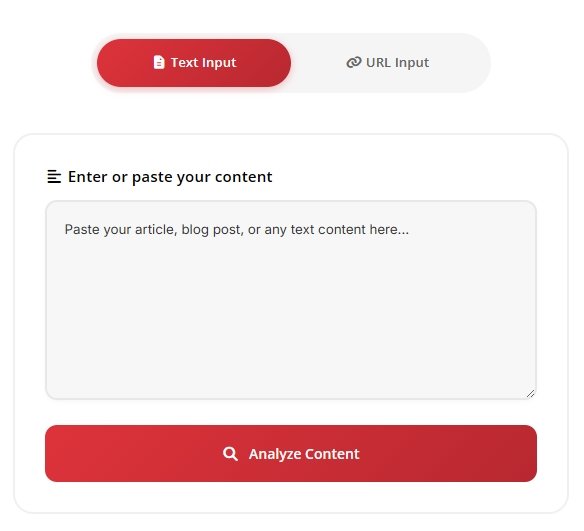
How to Use the Keyword Density Checker

number 1

Choose if you want to paste text or enter a URL.

number-2

Click check and wait a moment.

number-3

Look at the word list and phrase list to see which terms stand out.

Adjust your content if something feels repeated too much or too little.
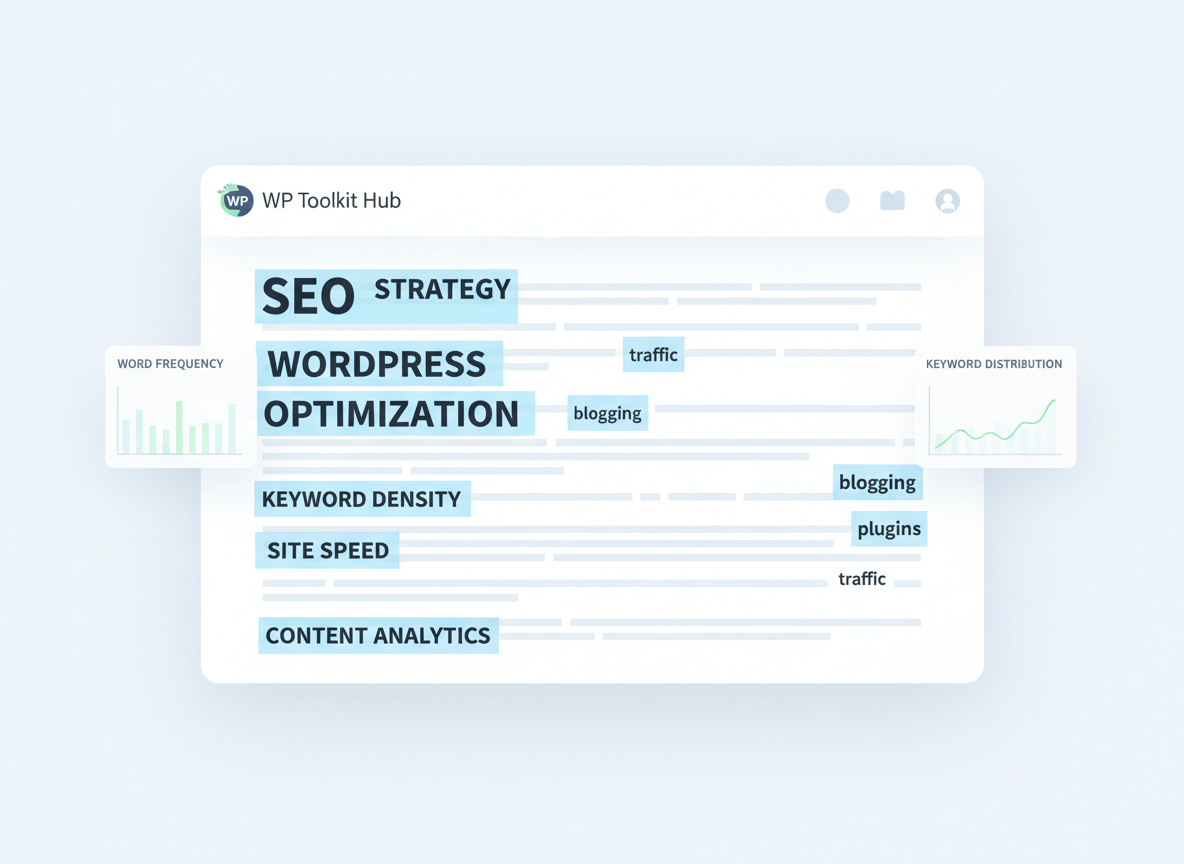
The tool shows your total words, how many unique words you used, and the highest density percent among all terms. You also get an option to export a CSV file in case you want to send the results to someone or compare them later.
Illustration showing keyword density analysis on a webpage with highlighted words - WP Toolkit Hub

Why Keyword Density Matters

Search engines read your page to figure out what your topic is about. If a word shows up too often, it can make your writing feel forced. If it shows up too rarely, the page may not match the topic you hoped to rank for. While there is no fixed rule for the perfect percent, many writers try to keep the main phrase natural and not push it too hard.

This tool is helpful because it gives you a clear picture of how your words look from a search engine point of view. It does not judge your writing. It just shows you what is there so you can make your own choices.

Digital tool calculating word and phrase frequency on a page - WP Toolkit Hub

How the Tool Calculates Density

The formula is pretty straightforward. The tool counts how many times a word or phrase appears, then divides that number by your total word count. Then it multiplies the result by one hundred. If a phrase has more than one word, it counts it as a single phrase.

The tool also sorts results by one-word terms, two-word phrases, three-word phrases, and four-word phrases. This helps you see patterns you might not catch on your own.

A realistic photo of a laptop on a desk displaying a keyword density checker interface branded “WP Toolkit Hub.” The screen should show highlighted keywords in text, a percentage indicator, and simple bars showing keyword frequency. The setup should feel like someone reviewing SEO content. Use natural daylight, soft shadows, and real desk items like a notebook and pen. The image must look like a real photograph, not AI-generated.

When You Should Adjust Your Density

If your main phrase shows up in almost every line, you might want to remove a few mentions. If your page barely uses the main keyword, you might want to add it in a natural spot. The idea is not to trick search engines but to make the page clear and easy to read.

If you think a phrase is repeated more than needed, consider using a close alternative or add more text around it so the percent drops. Sometimes adding a new section is the easiest fix.

A realistic desk setup with a laptop showing a keyword density checker comparing terms from another website on WP Toolkit Hub.

Check Your Competition Too

You can also use the keyword density check tool on other sites. Enter the URL and see what terms show up often on their page. This helps you understand why their content might rank or how they handle their main phrase. This is helpful when planning your own content layout.
Keyword Density Checker vs Other Tools

ToolMain FeatureCheck by URLCheck by TextPhrases SupportCSV ExportFree
Our Keyword Density CheckerShows words, phrases, counts, and percentYesYes2, 3, 4 word phrasesYesYes
Keyword Density Checker Small SEO ToolsFull list of words and tag dataYesYes2, 3, 4 word phrasesNoYes
Keyword Density Checker MozBasic word countNoYes1 to 3 word phrasesNoNo
Keyword Density Checker AhrefsAdvanced data inside paid suiteYesNo2 word phrasesNoNo
Google Keyword Density Checker (third party)Simple word countNoYesLimitedNoVaries

Extra Tips for Better Writing

  • Keep your text natural. Write like you talk.
  • Add your main phrase only where it makes sense.
  • Write longer sections if the percent feels too high.
  • Check your page after making edits to see if things look better.

You can also pair this tool with our other writing helpers like Case Converter, Text Cleaner, and Word Counter. They help you clean your writing before checking density.

Keyword Density Checker tools use Better tips

Final Thoughts

A good keyword phrase density checker helps you keep your writing balanced. You don’t need to chase perfect numbers. You just need to make sure your text does not sound forced or messy. With this online keyword density checker, you get clear data that helps you see your writing from a new angle.

Use the results as a guide, make small edits, and check again whenever you need. Over time, you’ll get a feel for how to write in a way that both people and search engines will understand.