




Professional Invoice Generator
Create beautiful, professional invoices in 4 simple steps
Choose Your Invoice Template
Select a professional template that matches your brand
Company Information
Enter your business details
PNG, JPG or SVG (max. 2MB)
Client & Invoice Details
Add client information and invoice specifics
Client Information
Invoice Details
Items & Services
Add items, services, and additional notes
Invoice Preview
Free Invoice Generator Online by WP Toolkit Hub
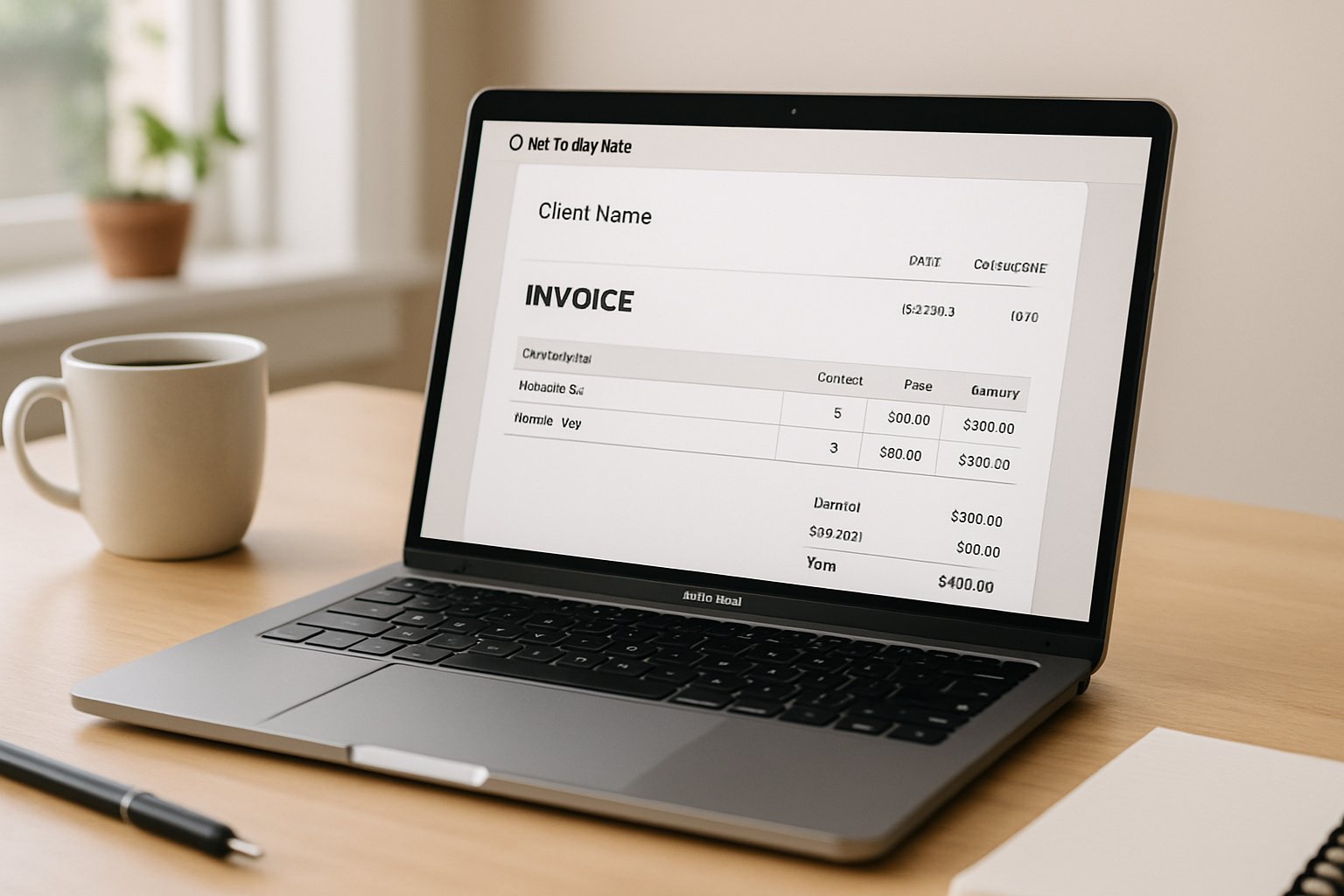
So, you finished the work and now it is time to get paid. But making a bill from scratch is really boring, right? That is exactly why we made this free invoice generator. It helps you make a professional invoice in just a few minutes without needing to sign up or pay anything. Whether you are a freelancer, a small business owner, or just someone who needs to send a bill quick, this tool is for you.
We know that doing paperwork is the worst part of the job. You want to focus on your work, not on designing a PDF. Our online invoice generator handles the hard stuff so you can look professional and get your money faster. Plus, unlike other tools that make you click a hundred times, ours is super simple.
Why Our Invoice Generator is Different
There are a lot of tools out there like zoho invoice generator or the shopify invoice generator, but a lot of them ask you to make an account or give your credit card info before you can download the file. We don’t do that here at WP Toolkit Hub. Our tool is a completely free online invoice generator.
One really cool thing we built is the local storage feature. Basically, the browser remembers what you typed last time. For example, if you used the tool yesterday, when you come back today, you might see a button that says “Restore”. It will even show you the date you last worked on it. This is great if you closed the tab by mistake. But if you want to start over, just click “Start Fresh” and you are good to go.
Also, if you are dealing with passwords for your client files, you might want to check our Password Generator & Strength Checker to keep things safe. We try to make everything secure for you.
How to Use This Invoice Generator Online
Using this tool is very easy. We broke it down into four simple steps. You don’t need to be a tech genius to figure it out. Here is how you can generate an invoice with us:
Pick Your Template
First things first, how do you want your invoice to look? We know that style matters. That is why we give you a few options to pick from. You select the one you like, and the PDF will look exactly like that style.
- Modern Red: This one has a bold and contemporary design. Good if you want to stand out.
- Classic Elegant: A timeless and sophisticated look. Very safe for any business.
- Clean Minimal: Simple and professional. No mess, just the info.
- Bold Statement: Eye-catching and dynamic.
- Corporate Professional: Formal business standard. Use this for big corporate clients.
- Modern Creative: Unique and stylish. Great for designers or artists.
Add Company Info
Now you need to say who is sending the bill. This is where you put your details. You can upload your Company Logo, write your Company Name, Email Address, Phone, Address, and Website. If your logo file is too big, you can use our Image Compressor to make it smaller before uploading it here. It makes the invoice generation faster.
Client & Details
Who are you billing? In this section, you fill in the Client Information. But there is more to it than just a name.
Invoice Details:
- Invoice Number: Our system helps you here. It can be an invoice number generator that picks a random number automatically, or you can type your own if you have a specific system.
- Currency: We support a lot of money types. You can choose USD ($), EUR (€), GBP (£), JPY (¥), INR (₹), CAD (C$), or AUD (A$).
- Dates: The Invoice Date and Due Date are set up automatically for a month later, but you can change them if you need to.
Items & Review
This is the money part. Here you add the items or services you sold. You can add as many lines as you like. If you have a lot of text to write for the description, maybe use our Word Counter to see how long it is.
You can also add the Tax % here. If you are not sure about the math for discounts or taxes, our Discount & GST Calculator can help you figure out the right numbers before you type them in.
Once you are done, just click the “Preview & Download” button. A popup will show up. You can see if everything looks right. If it is good, download it as a PDF. It is that simple. This is why people call it the best free invoice generator.
Why Not Just Use Excel or Word?
A lot of people start by using Excel. I did too. But after the third or fourth bill, it gets really annoying. Here is why you should stop using manual templates and use a bill invoice generator instead:

Wasting Time
You have to copy the file, rename it, and delete old info every single time. It takes forever.

Mistakes happen
When you copy and paste, sometimes you forget to change the client name or the date. That looks really bad and unprofessional.

Math is hard
In Excel, if you break a formula, the total is wrong. Our invoice template generator does the math for you automatically.

Hard to organize
Finding an old invoice in a folder full of Word docs is a nightmare.
Using a tool like ours saves you from doing the same boring work over and over. If you need to convert some text case for your descriptions, like making everything uppercase, our Case Converter is handy for that too.
WP Toolkit Hub vs Others
There are many tools like quickbooks invoice generator or invoice generator freeware. But how do we compare? We made a table to show you why our generate invoice online tool is a great choice.
| Feature | WP Toolkit Hub (Free) | Excel/Word | Paid Software (Quickbooks/Zoho) |
|---|---|---|---|
| Cost | $0 (Free) | Already have it | Monthly Fee ($$$) |
| Ease of Use | Very Easy | Hard (Manual) | Medium (Complex) |
| Calculations | Automatic | Formulas break easily | Automatic |
| Local Storage | Yes (Save progress) | Manual Save | Cloud Account Required |
| Templates | 6 Professional Styles | Basic | Many |
| No Signup | Yes | Yes | No (Must Register) |
Who Needs Invoice Generator Tool?
Honestly, anyone who sells stuff needs this. But it is super helpful for certain people.
- Freelancers: Writers, designers, and developers. If you are a writer, you might also like our Keyword Density Checker for your work, but for billing, use this generator.
- Contractors: Plumbers, electricians, and painters. You can make a pdf invoice generator output right from your truck or van if you have a laptop.
- Small Shops: If you sell handmade items, you need a fake invoice generator… just kidding! You need a real one to look legit. Our tool makes real, legal-looking invoices.
- Consultants: You need to look professional. A sloppy Word doc does not look good. A clean PDF does.

Frequently Asked Questions (FAQ)
Can I see what the invoice looks like before downloading?
Yes, absolutely. When you click the preview button, you see the whole thing. It is like a sample invoice from invoice generator. You can check if you made any spelling mistakes. If you see weird text, maybe run your description through our Text Cleaner & Remover first to strip out bad formatting.
Is it really free?
Yes. We are a free invoicing generator. We don’t hide fees. You generate the invoice, you download the PDF. That is it.
Can I use my own logo?
Sure you can. In the Company Info section, there is a spot to upload your logo. It supports JPEG and PNG. If you have a PDF logo and need to change it, we have tools like PDF Optimizer or Image Converter that might help you get the right file type before uploading.
Does it calculate taxes?
Yes, it does. You just put in the Tax % in the Items section. The tool does the math. You don’t need a calculator, but if you want to double-check, our GST Calculator is there for you.
Can I change the currency?
We know business is global. You can change the currency to USD, EUR, GBP, and others in the Invoice Details section. This makes it a great invoice generator online free for international work.
What if I close the browser by accident?
Don’t panic. We use local storage. When you come back, look for the “Restore” button. It will tell you the date of your saved data. You can get your info back and finish the invoice generate process.
Do you put your watermark on my invoice?
No way. Even though it is free, we don’t stamp “WP Toolkit Hub” all over your bill. It is an unbranded, professional document. It is your business, not ours.
Can I make a QR code for my invoice payment link?
The invoice itself is a PDF, but if you have a payment link (like PayPal or Stripe) that you want to send to your client, you can use our QR Code Generator to make a code and maybe paste that image into your invoice logo area or send it in the email.
Tips for Sending Invoices
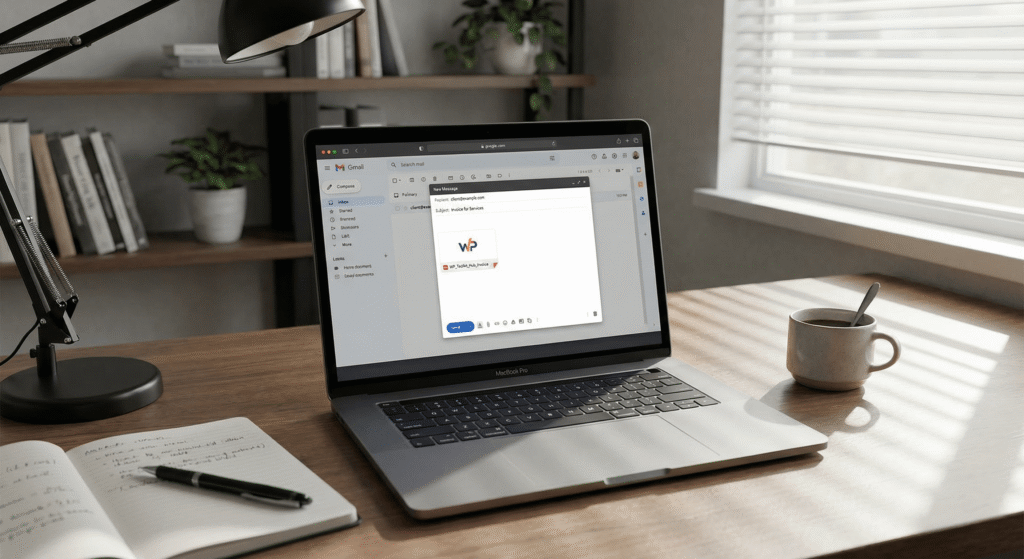
Once you download your PDF from our online free invoice generator, you need to send it. Here is the best way to do it.
Write a short, polite email. Attach the PDF. Don’t just send the file with no text, that looks like spam. If you send a lot of emails, you might want to keep your subject lines clear.
Also, always check the status. If you don’t get paid in a week, send a friendly reminder. Having a professional looking invoice helps you get paid because clients trust it more than a weird text message asking for money.
Final Thoughts
We built this invoice generator software because we know how annoying admin work is. We want you to spend time earning money, not asking for it. With features like local storage save, multiple currencies, and six different beautiful templates, we think this is the best free invoice generator you will find.
Give it a try. Click “Start Fresh” or fill in the fields and see how easy it is to generate invoice online. And hey, while you are here, don’t forget to check out our other helpful tools like the Image to Base64 Converter or the Word Counter. We are here to make your web life easier.