




PDF Optimizer
Drag & Drop PDF files here
or
PDF Preview
Upload PDFs to automatically analyze and optimize
Best Free PDF Optimizer Online: Make Your Files Smaller at WP Toolkit Hub
Hey there! Welcome to WP Toolkit Hub. If you are looking for a way to make your PDF files smaller without making them look blurry or bad, you found the right place. We built a really cool PDF Optimizer that helps you shrink your documents so you can email them, upload them, or just save space on your computer.
You know how annoying it is when you try to send a file and the email says “File too big”? Yeah, that happens to me all the time. That is why we made this tool. It is super easy to use and works right in your browser.
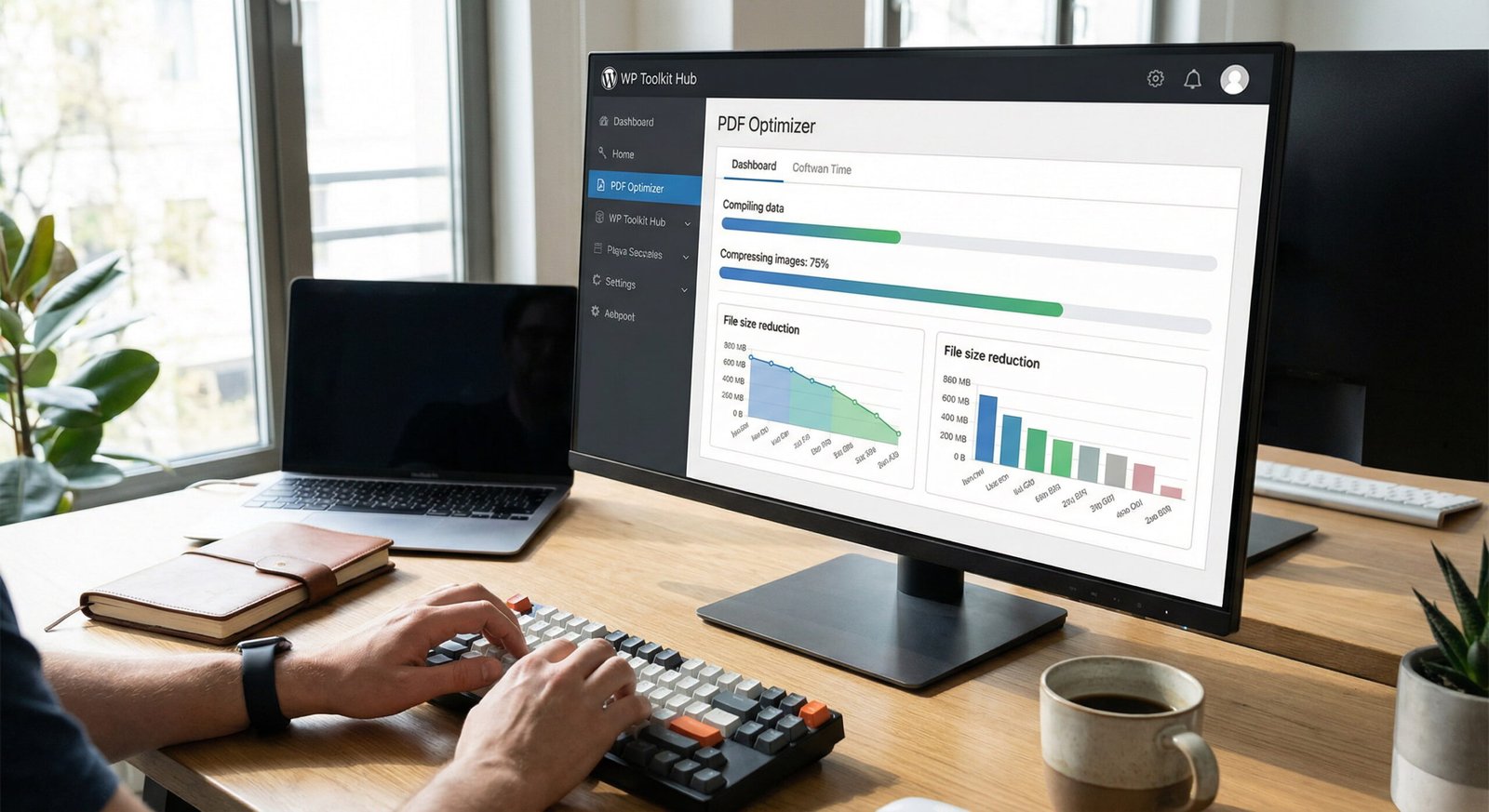
What is a PDF Optimizer anyway?
Basically, a pdf optimizer is a tool that looks inside your file and removes stuff you don’t need. It compresses images and fonts so the file size goes down, but the text and pictures still look good to the human eye. A lot of people ask, what is pdf optimizer? It is just a fancy name for a compressor.
Whether you are a student trying to submit homework or a business person sending a contract, you need your files to be small and quick to open. Our tool does pdf optimization better than most because we let you choose exactly how you want it to look.
Why our tool is different
There are a lot of sites out there, but ours is special. Most sites just smash your file and hope for the best. But our PDF Optimizer is smarter. Here is what happens when you use it:
Unlimited Uploads
You can upload as many files as you want. We don't stop you.
Smart Detection
The tool counts how many images are in your PDF. It tells you, "Hey, there are 10 images here."
Preview Mode
This is the best part. You can see a preview of how it looks after optimization before you even download it.
Auto-Quality
It suggests a "Recommended Quality" automatically. It knows what will look best.
Multiple Files
You don't have to do it one by one. Grab a whole bunch of PDFs and drop them in.
Control
You can slide the quality up or down. If you want it tiny, lower the quality. If you want it sharp, keep it high.
Merge PSDs
If you want, you can even merge multiple PSDs here.
Zip Download
Got a lot of files? Download them all at once in a zip folder.
How to Optimize PDF Online (Step-by-Step)
Using this tool is not rocket science. It is very simple. Here is exactly how to optimize pdf using WP Toolkit Hub:

First, click the upload button or just drag your files onto the box. You can upload one or ten, it doesn't matter.
Wait a second for the preview to show up. The tool is scanning your file to see how do you optimize a pdf best.

Look at the "Recommended Quality." Usually, this is the best setting. But if you want to change it, go ahead and move the slider.
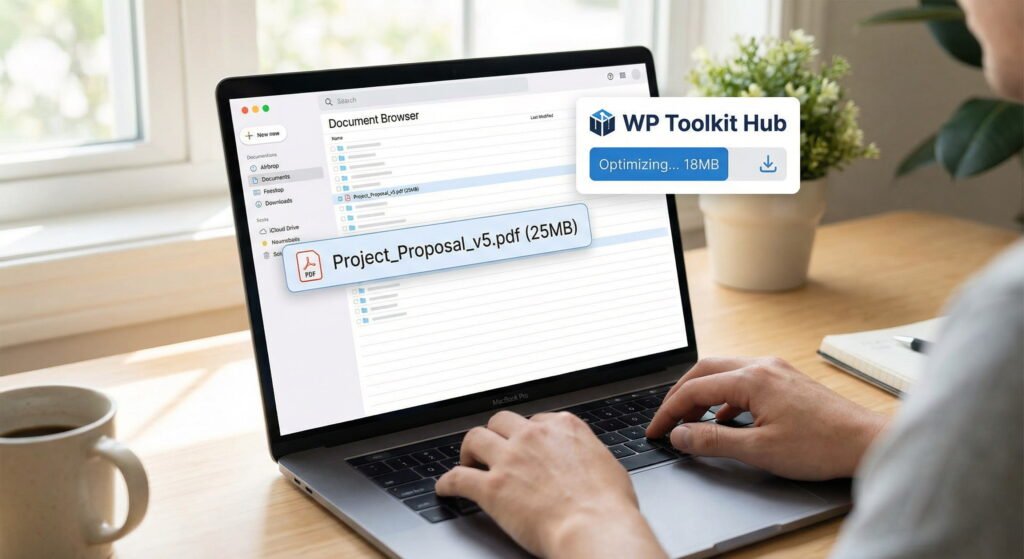
You will see the new file size compared to the old one. It is kinda satisfying to see the numbers go down.

Click the button to finish the optimizing pdf process.

Download your file. Easy peasy.
Why you should care about PDF Size
Maybe you think, “Why do I need to optimize pdf size? My internet is fast.” well, that is true, but it is not just about you. It is about the person receiving it.
If you have a website, you need pdf seo optimization. Google hates slow websites. If you put a huge PDF on your site, it loads slow. If it loads slow, people leave. By using our pdf search engine optimization friendly tool, your website stays fast.
Also, think about phones. A lot of people open files on their phone using data. A 50MB file eats up their data plan. A optimized pdf that is only 2MB is much nicer for them.
Comparing WP Toolkit Hub vs. Others
| Feature | WP Toolkit Hub PDF Optimizer | Adobe Acrobat DC Optimize PDF | Other Free Tools |
|---|---|---|---|
| Cost | Free (100%) | Expensive Monthly Sub | mostly free but with ads |
| Software Install | No (Browser based) | Yes (Heavy software) | No |
| Preview Quality | Yes, very detailed | Yes | Rarely |
| File Limits | Unlimited Size | Depends on PC | Usually 50MB limit |
| Batch Processing | Yes, Multiple Files | Yes | Usually 1 or 2 at a time |
Check Out Our Other Tools
We are not just about optimize pdf online services. WP Toolkit Hub has a whole bunch of useful stuff. We want to be your one-stop shop for everything.
Text & Writing Tools
After you are done with your PDF, maybe you need to work on some text? Check these out:
- Case Converter: Did you leave caps lock on? Fix it here fast.
- Keyword Density Checker: Good for checking your SEO writing.
- Text Cleaner & Remover: remove messy formatting from copied text.
- Word Counter: Count your words if you have a limit on your essay.
Image Tools
Since you like our pdf optimize tool, you might work with images too:
- Image Compressor: Just like the PDF one, but for JPG and PNG.
- Image to Base64 Converter: For the tech geeks who need code for images.
- Image Converter: Switch between formats easily.
Generator Tools
Need to make something from scratch? We got you:
- Invoice Generator: Make a bill for your client in seconds.
- QR Code Generator: Make those scan codes for your business card.
- Password Generator & Strength Checker: Keep your accounts safe with hard passwords.
Calculator Tools
Math is hard. Let us do it:
- Tip, Discount & GST Calculator: Figure out money stuff quickly.
Frequently Asked Questions (FAQ) about Optimizing PDFs
Is this PDF Optimizer really free?
Yes! totally free. We don’t charge you to optimize pdf document files. You can use it as much as you want. We believe tools should be helpful, not just for making money.
Will it ruin my file quality?
No way. That is the best thing about our tool. We give you a “Recommended Quality” setting. This setting finds the balance. It makes the file small but keeps it looking sharp. You can barely tell the difference. Plus, with the preview feature, you can check before you save. It is basically a pdf optimizer adobe style result but without the cost.
Can I upload really big files?
Yep. Our upload max file size is unlimited. So if you have a massive design portfolio or a huge book, bring it on. Most other optimize pdf online tools stop you at 50MB or 100MB. We don’t do that.
Is it safe to use?
Safety is a big deal for us. When you upload your file to optimize pdf, it is processed securely. We don’t look at your files, and we don’t keep them forever. You are the only one who sees your content.
What is the difference between "compress" and "optimize"?
Good question. They are kinda the same thing. Pdf optimizing usually means being smarter about it—like removing hidden data and cleaning up the code inside the file, not just squishing the images. Our tool does both. It is a full pdf search engine optimization package for your documents.
Can I do this on my phone?
Sure! Our website is mobile friendly. You don’t need an app. Just open your browser on Android or iPhone, go to WP Toolkit Hub, and start the seo optimization pdf process for your files. It works just as fast as on a desktop.
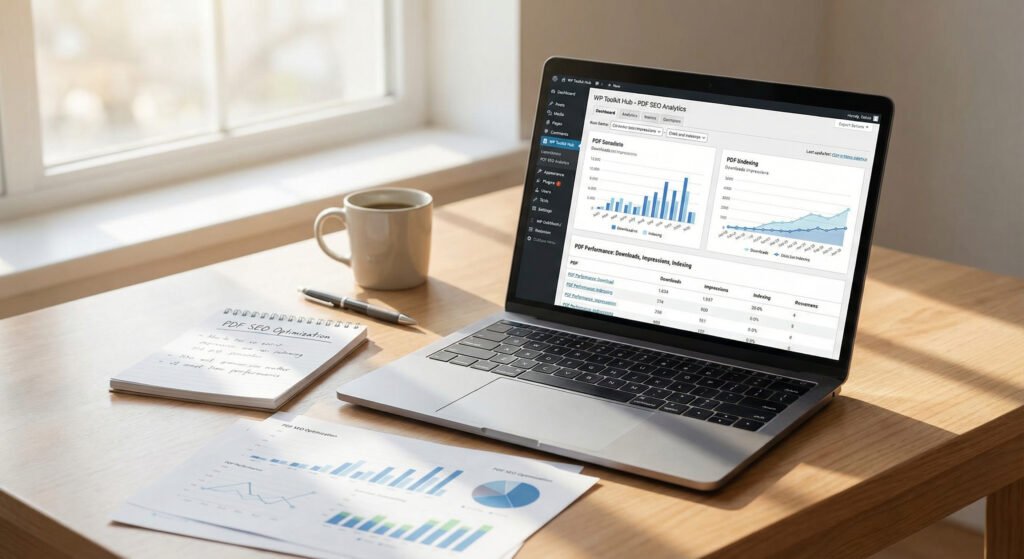
Why SEO Matters for PDFs
A lot of people forget that Google reads PDFs too. If you have a file online, you want people to find it. This is called pdf seo optimization. The filename matters, the title matters, but the size matters most. If a user clicks your PDF from Google and it takes 20 seconds to load, Google notices that the user left. This hurts your ranking.
By using our pdf optimizer online, you make sure your files load instantly. This helps your website rank better. It is a small trick that makes a big difference.
Get Started Now
Don’t waste space on your hard drive. Don’t make your email bounce back because the file is too fat. Use the WP Toolkit Hub PDF Optimizer today. It is fast, it is free, and frankly, it works better than the paid stuff.
Just scroll up, drop your file in the box, and see the magic happen. If you like it, tell your friends about how to optimize pdf the easy way!