




QR Code Generator
Create professional QR codes for any purpose in seconds
Click to upload logo (PNG, JPG)
Higher levels allow QR code to be read even if partially damaged
• L: ~7% correction
• M: ~15% correction
• Q: ~25% correction
• H: ~30% correction (recommended with logo)
✓ Your QR Code is Ready!
Scan, download, or share your QR code below
Free QR Code Generator
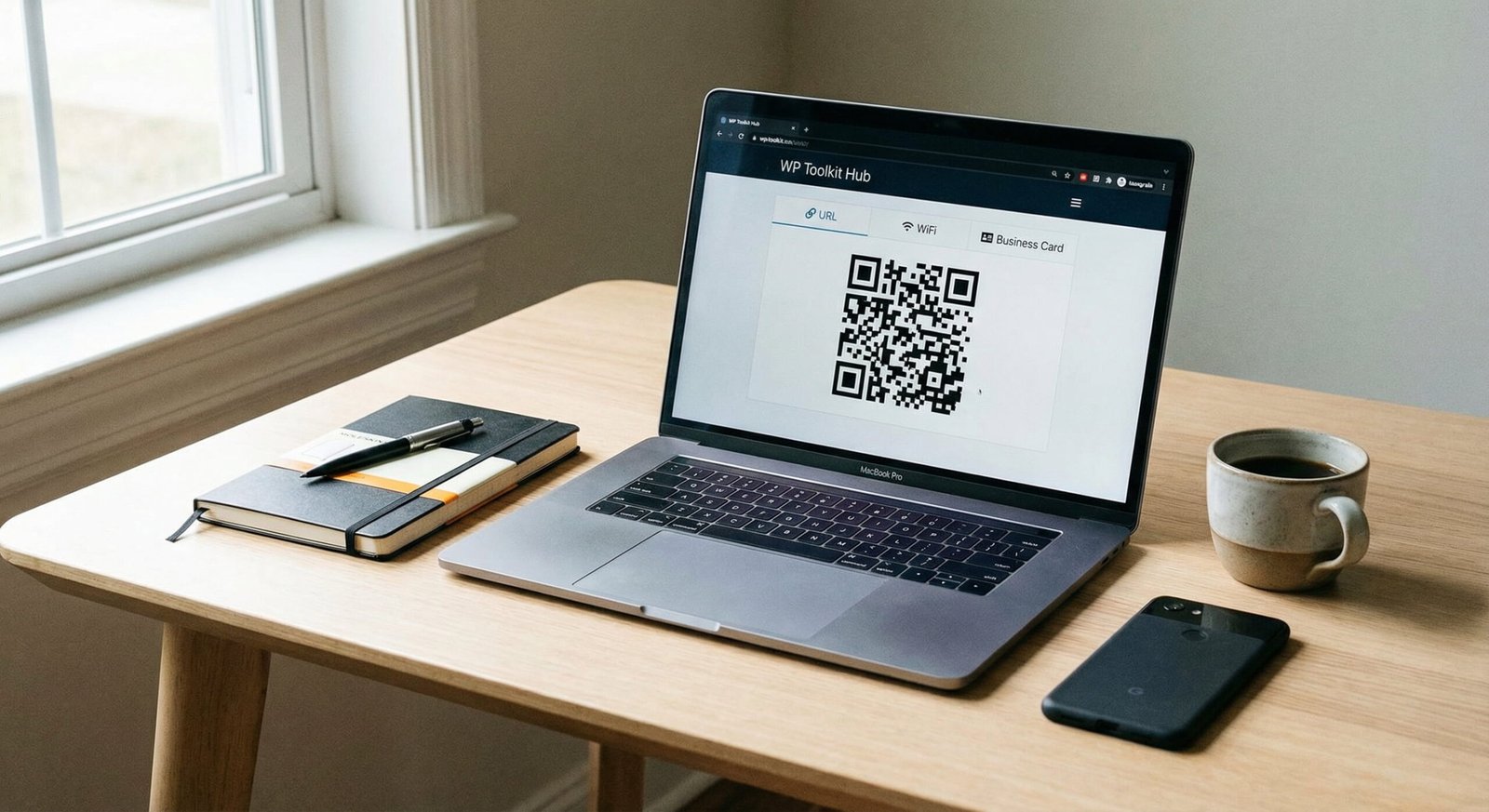
Welcome to WP Toolkit Hub. If you are looking for a free qr code generator that actually works without asking for money or a sign-up, you are in the right place. We built this tool because we know how annoying it is to find a qr code generator online that looks free but then asks for a credit card at the last step. That does not happen here. Our tool is simple, fast, and open for everyone to use.
Whether you need to generate qr code for url, share your WiFi password, or make a digital business card, this tool handles it all. We don’t have hidden fees, and we don’t lock your data. It is just a straightforward way to generate qr codes for your personal needs or business.
Why Use Our QR Code Generator?
There are so many tools out there. You might have seen the adobe qr code generator or the canva qr code generator. While those are big names, they often come with too many steps or require you to have an account. We believe making a QR code should be as easy as typing a text message.
Here is why people love using our tool:
- Completely Free: We are a free qr code generator no sign up required. You just come here, make your code, and leave.
- No Expiration: Many sites give you a code that stops working after two weeks. Ours is a free qr code generator no expiration. Your code lasts forever.
- Customizable: You can be a custom qr code generator expert here. Change colors, add logos, and pick frames.
- High Quality: We offer qr code generator high resolution downloads so your print materials look sharp.
Also, while you are here, check out our other helpful tools. If you are writing text for your QR code landing page, you might need our Word Counter or Text Cleaner & Remover to make sure everything looks good. We try to make WP Toolkit Hub a one-stop shop for all your web needs.
WP Toolkit Hub vs. Other Tools
We know you have choices like qr code generator google or monkey qr code generator. But let’s look at why our tool at WP Toolkit Hub stands out. We made a table to show you the difference clearly.
| Feature | WP Toolkit Hub | Other “Free” Sites | Paid Software |
|---|---|---|---|
| Cost | 100% Free | Free for 14 days | Monthly Subscription |
| Login Required | No | Yes (usually) | Yes |
| Does it Expire? | No (Lifetime) | Yes (unless paid) | No (if you keep paying) |
| Custom Logo | Included | Limited | Included |
| Format Support | URL, WiFi, vCard, etc. | URL only mostly | All types |
Understanding Different QR Code Types
Our best free qr code generator supports many data types. Here is a breakdown of what you can do:
URL and Website Links
This is the most common use. You use the link qr code generator to send people to your website, Facebook page, or an Instagram profile. If you have a long link, it might make the QR code look messy with too many dots. You can use a link shortener, or just let our tool handle it. This is great for marketing.
vCard (Digital Business Card)
Paper cards get lost. A vcard qr code generator allows you to store your name, number, email, and address in a code. When someone scans it, they can save your contact info directly to their phone. It is like magic for networking. If you need to format your text properly before making the card, our Case Converter tool can help fix messy capitalization.
Text and SMS
You can make a code that shows a plain text message or opens the SMS app on a phone with a pre-written message. This is useful for feedback forms or voting.
WiFi Access
Stop telling customers your long WiFi password. Use our generate qr code for wifi feature. You put in the network name and password, and when they scan it, their phone connects automatically. It is super handy for cafes and restaurants.
Customizing Your Design
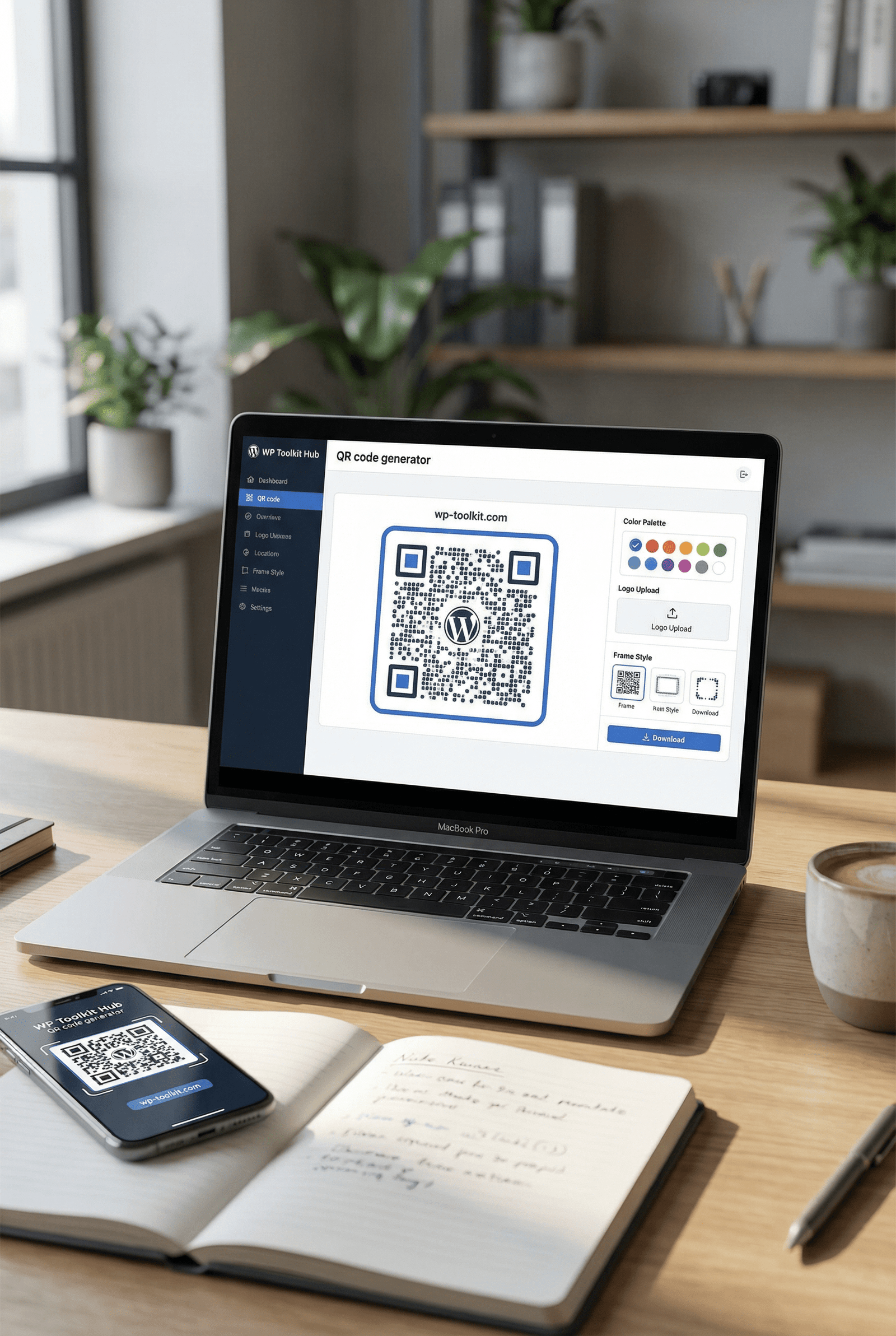
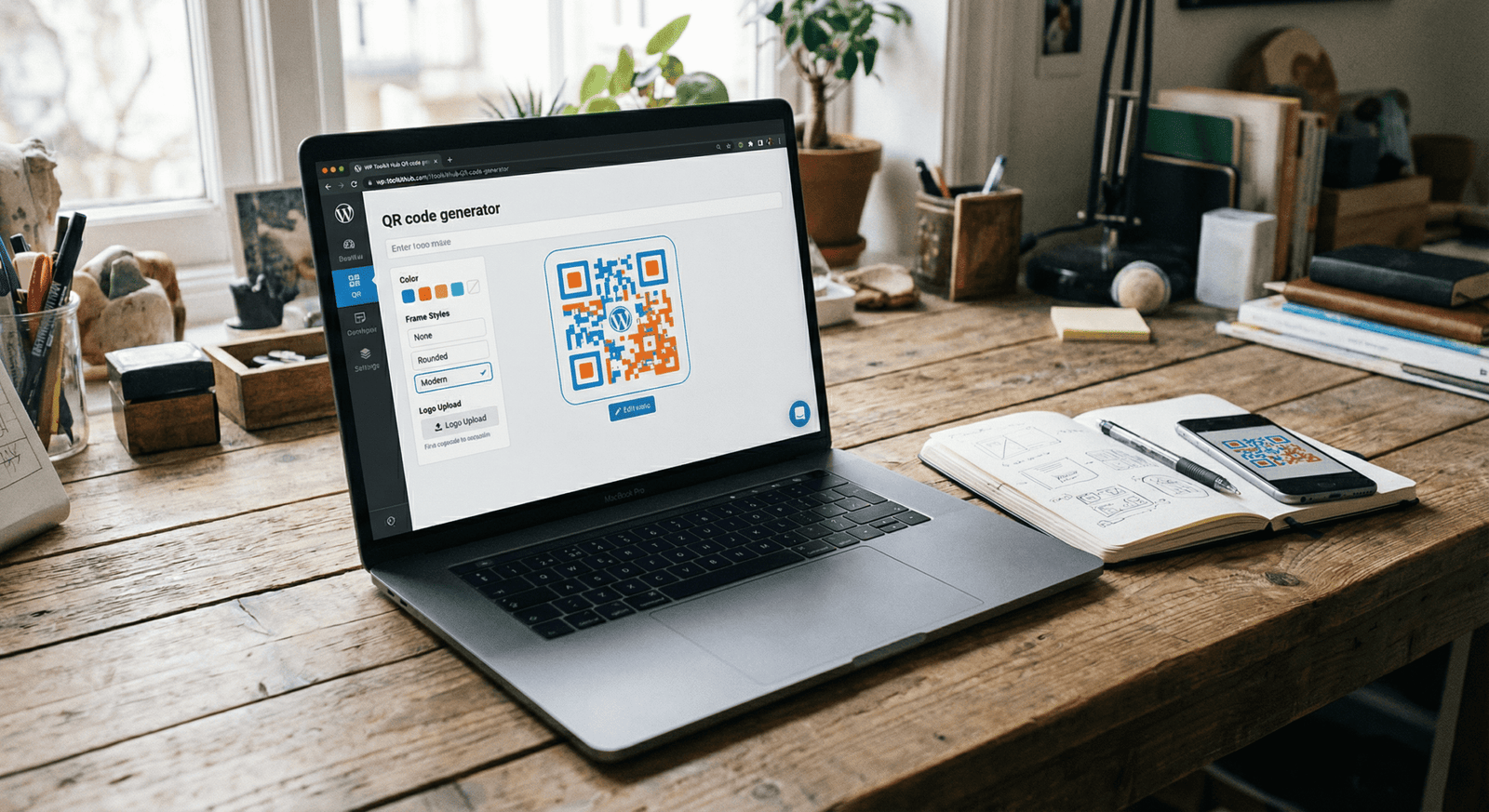
A black and white square is boring. We let you be a stylish qr code generator. You can change the colors to fit your brand. But be careful—if you make the colors too light, some phones might have trouble reading it. It is always best to keep the foreground dark and the background light.
Frame Style: You can pick from None, Simple, Rounded, or Modern frames. This helps the code sit nicely on your posters or flyers.
Logo Upload: Being a qr code generator with logo means you can put your company icon right in the middle. This builds trust because people know who the code belongs to before they scan it.
Advanced Settings: Error Correction
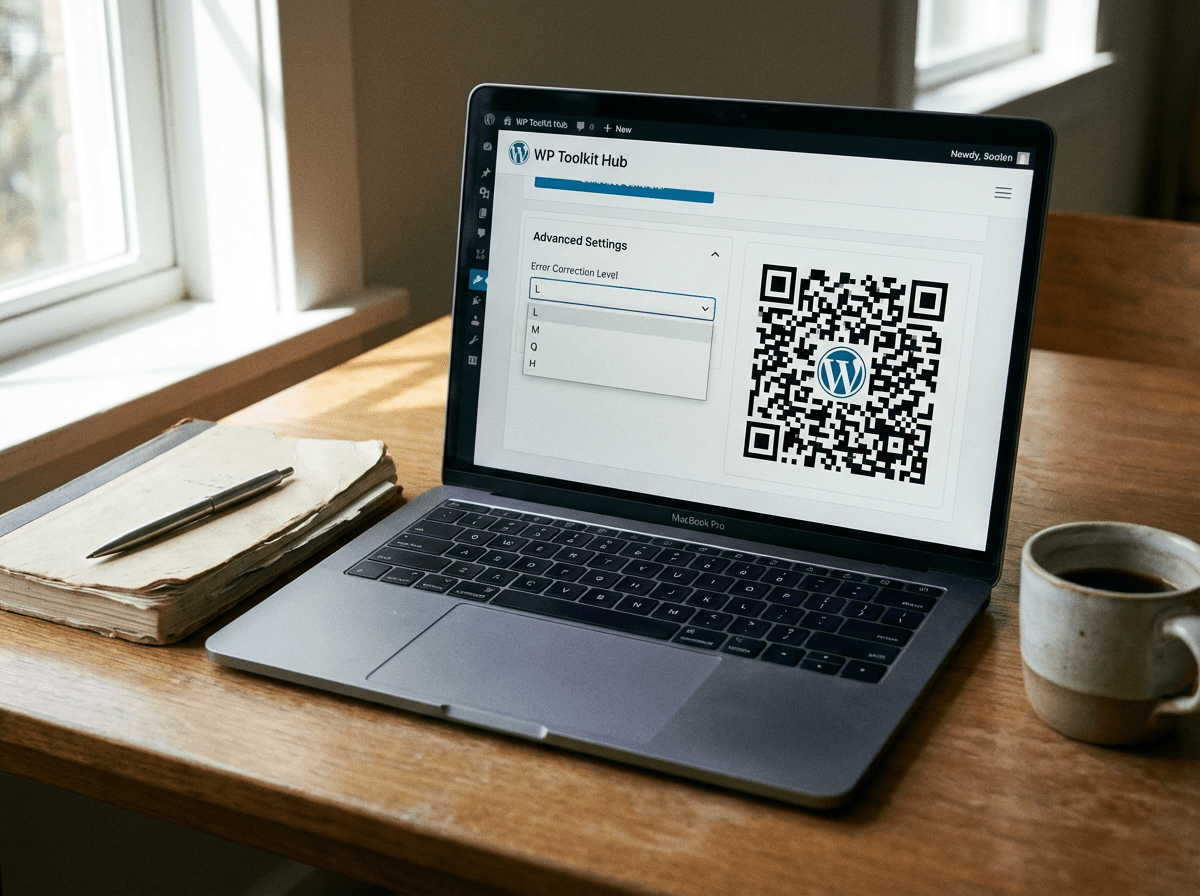
You will see an option called “Error Correction Level” with letters like L, M, Q, and H. You might wonder what this means. Basically, it is how much damage the QR code can take and still work. If you put a big logo in the middle, you cover up some of the data dots. The error correction brings that data back.
- L (~7%): Good for simple codes with no logo.
- M (~15%): Standard for most uses.
- Q (~25%): Better reliability.
- H (~30%): Best for qr code generator with image. We recommend this if you add a logo.
By default, we select ‘H’ for you so your code works perfectly. If you are making a bulk qr code generator batch for printing, always test one first!
Printing and Downloading
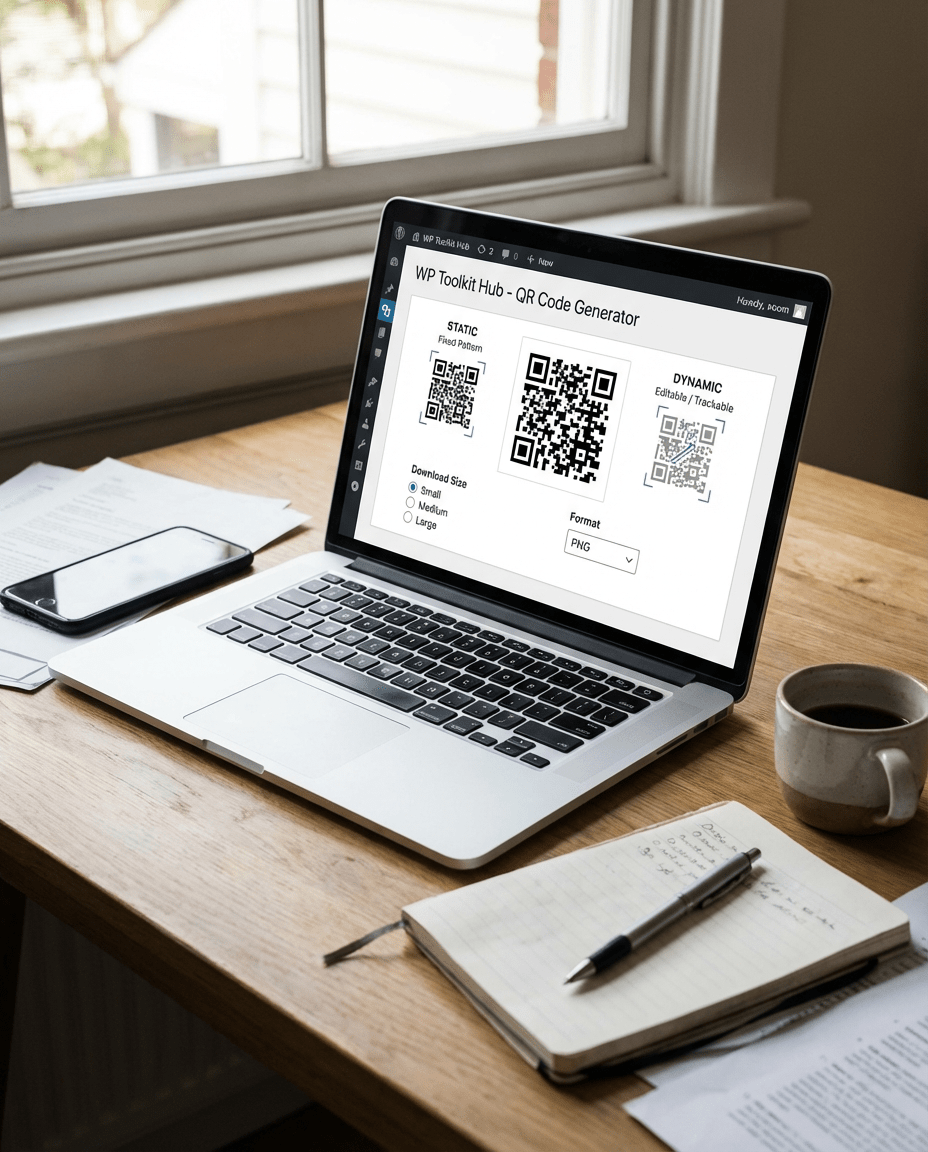
Once you generate qr code free, you need to download it. We offer three sizes: Small, Medium, and Large. If you are putting this on a billboard, get the Large one. For a business card, Small or Medium is fine.
We support PNG format which is great for almost everything. If you need to send this code as part of a document, you might use our PDF Optimizer later to keep your file sizes down, or our Image to Base64 Converter if you are a developer embedding it on a site.
Static vs. Dynamic QR Codes
You might hear terms like static qr code generator and dynamic qr code generator. Here is the simple truth. A static code holds the data directly. If you type “Hello World”, the code contains those words. You cannot change it later. If you print 1000 flyers and realize you made a typo, you are in trouble.
A dynamic code usually points to a redirection link. This allows you to change the destination later without re-printing the code. Our tool focuses on creating high-quality static codes that don’t rely on a redirection server, which means they are a permanent qr code generator solution. They won’t break if our server goes down because the data is in the image itself.
Creative Ideas for Using QR Codes
There are so many ways to use a qr code generator app or website like ours. Here are some cool ideas:

Product Packaging
Link to a user manual or a video showing how to use the item.

Events
Use a google forms qr code generator approach to get people to RSVP or give feedback.

Restaurants
Put a code on the table that opens the menu. This became very popular recently.

Bitcoin
You can share your crypto wallet address easily.
If you run a shop, you might also need our Discount & GST Calculator or the Invoice Generator to manage your sales. We try to provide all the little utilities a business needs to run smoothly.
Frequently Asked Questions (FAQ)
Is this really a free qr code generator?
Yes, absolutely. You can create as many codes as you want. We do not charge you, and we do not put watermarks on your images.
Can I use this for commercial purposes?
Sure. You can use the codes you make with our qr code generator pro features for your business, ads, or products. There are no restrictions.
Do I need to register?
No. We are a free qr code generator no sign up tool. We value your privacy and your time.
What if I need a qr code generator for google forms?
Easy. Just copy the link to your Google Form, choose the “URL” option on our tool, paste the link, and you are done.
Why is my QR code not scanning?
Usually, this happens if there is not enough contrast. Make sure the code is dark and the background is light. Also, check if the code is too small or if the logo is covering too much of the pattern.
Can I generate qr code for pdf?
To do this, you first need to host your PDF somewhere online (like Google Drive or your website). Then, take that link and use our URL generator. If your PDF is too big, use our PDF Optimizer first to shrink it down so it loads fast for your users.
Final Thoughts
QR codes are bridging the gap between the real world and the internet. They are fast, contactless, and super useful. Whether you are a teacher, a business owner, or just someone who wants to share a funny video with friends, our qr code generator online is here to help.
We built WP Toolkit Hub to be helpful. From our Password Generator & Strength Checker to secure your accounts, to this QR tool to share your links, we want to make your digital life easier. Go ahead, try to generate a qr code now and see how fast it is. You don’t need to be an expert, and you definitely don’t need to pay.
Enjoy creating your codes, and feel free to share our tool with anyone who needs a best qr code generator that keeps things simple and free.